

Notification settings
Who can do this: Workspace Owner, Admins and Project Owners
Choose which project events send notifications, and how.
These settings are in the web portal only.
- Open the project, then in the side menu, under Settings, click Settings.
- Under Notification Settings, tick or untick Email and In System for each event.
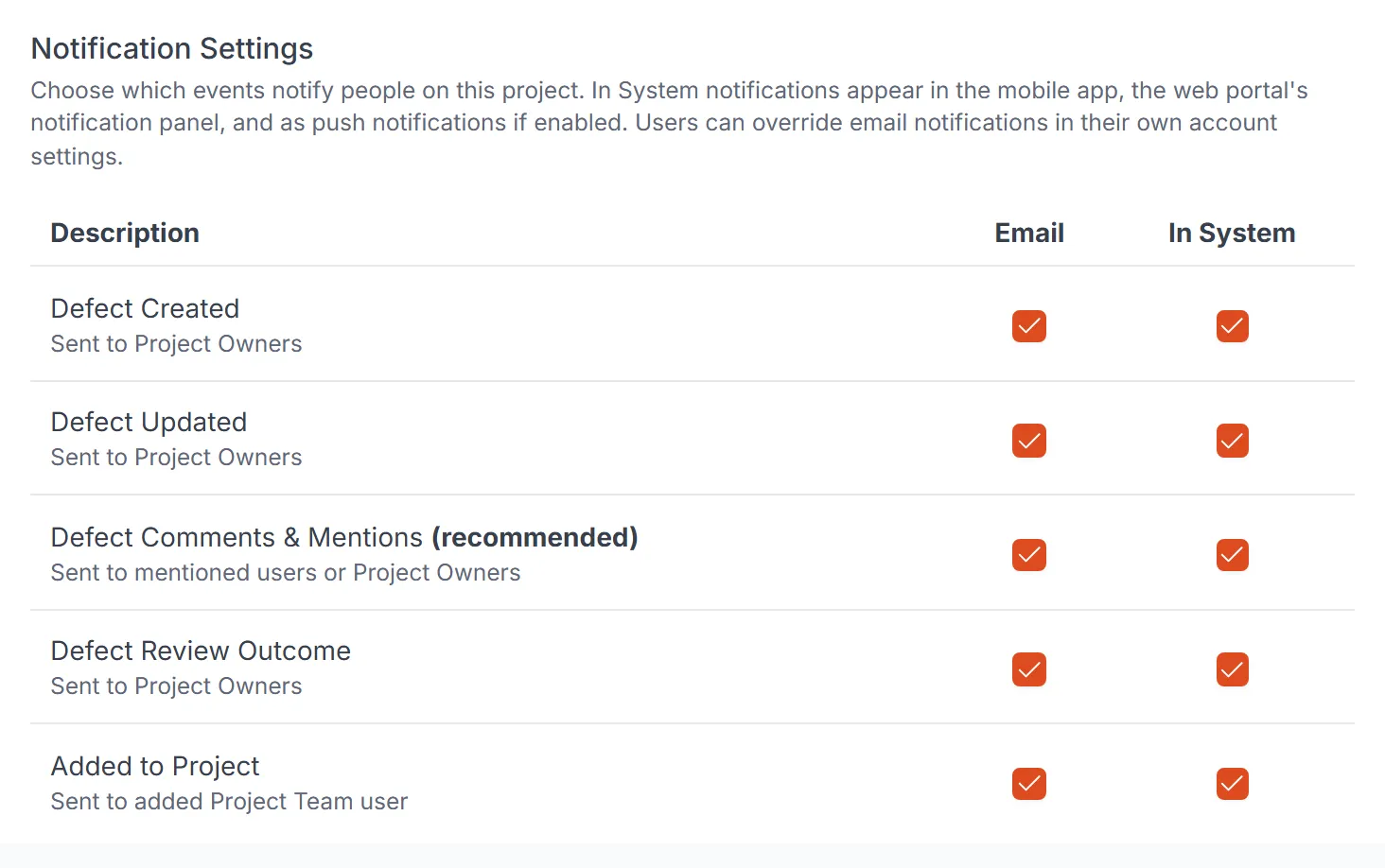
In System notifications appear in the notification panel in the mobile app and web portal, and as push notifications if those are turned on. Each person can still turn email notifications off in their own account settings.