

Choose who can see a question
Who can do this: Workspace Owner and Admins
Choose who can see and answer each question, for example to keep internal notes away from contractors. This applies in the web portal and the mobile app.
-
In the form’s Form design, click the question.
-
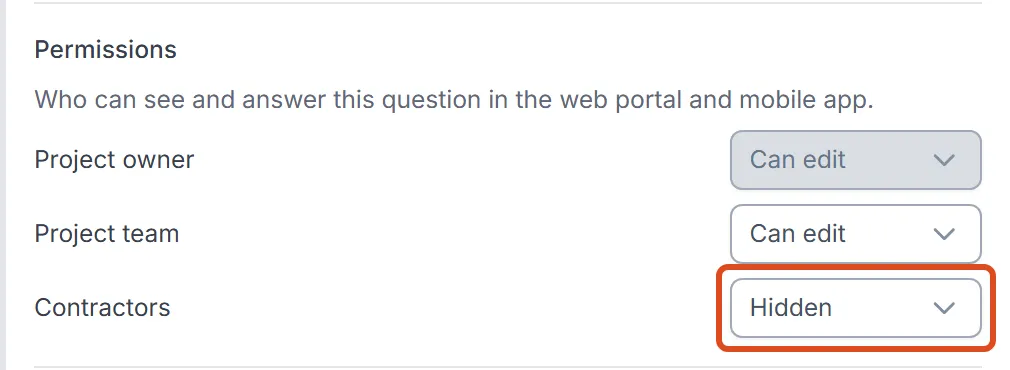
In Field settings, under Permissions, choose an option for each group.
| Group | Options |
|---|---|
| Project owner | Always Can edit |
| Project team | Can edit, Can view or Hidden |
| Contractors | Can view or Hidden |
- Can edit: they see the question and can answer it.
- Can view: they see the answer but can’t change it.
- Hidden: the question doesn’t show for them.
New questions start with the project team on Can edit and contractors on Can view.
To check what each group sees, preview the form and use View as.